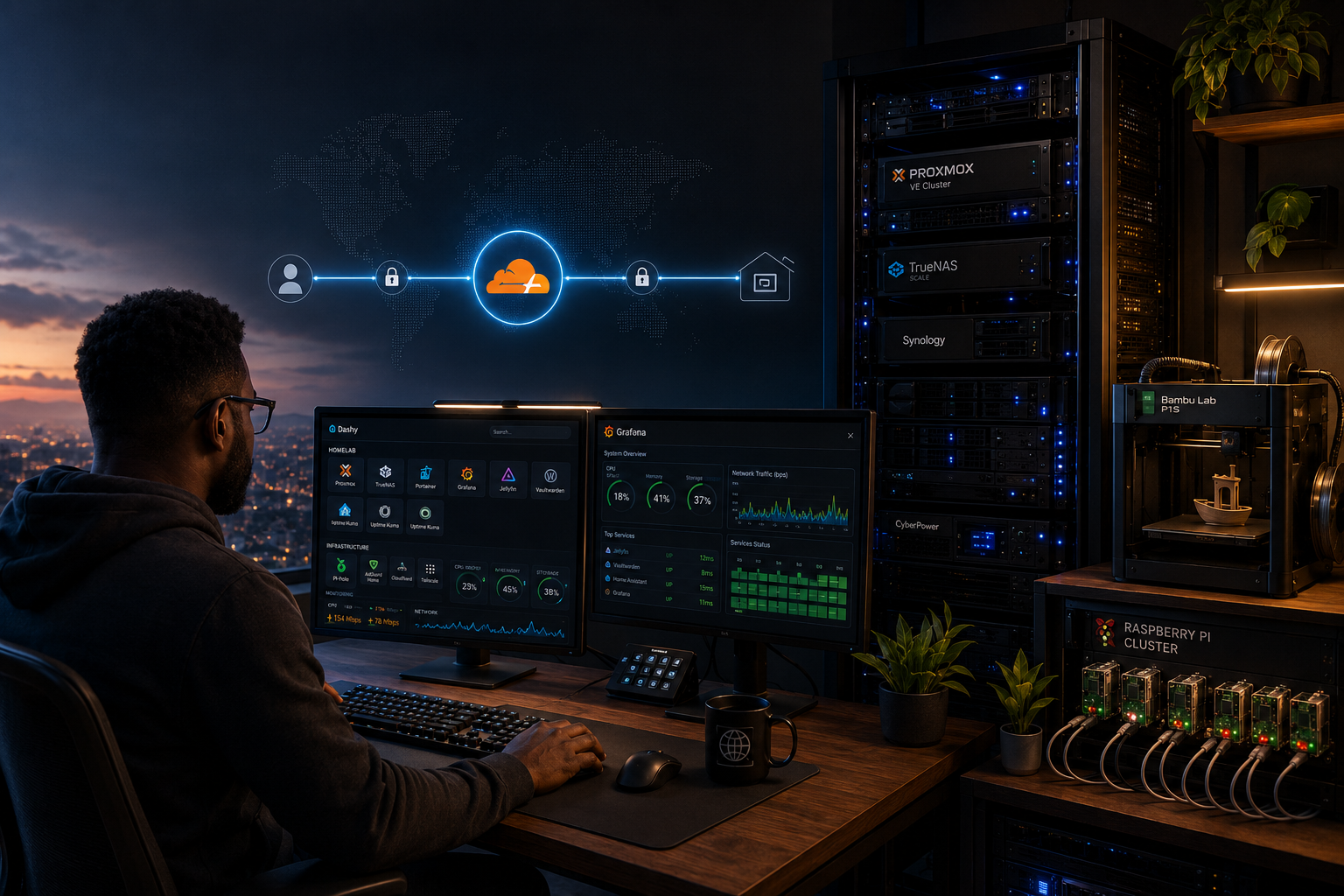
Back in 2022, accessing my homelab remotely meant one of two things: either I was VPN’d in, or I was squinting at a sticky note trying to remember whether Grafana was on port 3000 or 3001.
I had a growing list of services Proxmox, Grafana, Prometheus, Dashy, TrueNAS and every single one lived behind an IP address and a port number that I had to memorize, write down, or look up. 192.168.1.10:8006. 192.168.1.15:3000. 192.168.1.20:9090. It worked, but it wasn’t infrastructure. It was chaos with a static IP.
The bigger problem was remote access. I work at GE Aerospace. I’m not always home. When I’m on the road and want to check my NOC dashboard or pull up a Grafana panel to show someone what I’m building, I needed a real solution. Port forwarding was the obvious answer expose the ports, point a domain at your home IP, done. But I’d spent enough time in security to know that “expose ports to the internet” is the kind of sentence that ends careers and starts incident reports.
I wasn’t willing to open my home network to the internet. I wasn’t willing to compromise. So I looked for a third option.
The Problem With Port Forwarding
Port forwarding works by punching holes in your router’s firewall and directing inbound internet traffic straight to a device on your local network. For most people, that means their Plex server or their NAS is directly reachable from the public internet.
The issue isn’t that it can’t work it’s that it’s inherently reactive security. You’re hoping your application doesn’t have a vulnerability. You’re hoping your passwords are strong enough. You’re hoping nobody scans your IP and finds that open port. And if any of those hopes turn out to be wrong, the attacker is already inside your network.
I didn’t want to play that game. I hadn’t been compromised. Nothing had happened. But I think in systems, and a system where the only thing standing between the internet and my home network is a port forwarding rule felt like a system waiting to fail.
Cloudflare Tunnels: The Concept
Cloudflare Tunnels work differently. Instead of opening inbound ports, your server reaches out to Cloudflare’s network and establishes a persistent encrypted connection. Cloudflare sits in the middle your traffic flows from the internet → Cloudflare → through the tunnel → to your service. Your router never sees inbound traffic it didn’t initiate.
Zero open ports. Not “fewer open ports.” Zero.
The first time I read that I thought it sounded too good. But the architecture makes sense when you think about it outbound connections are almost universally allowed by firewalls, and Cloudflare’s network handles all the public facing exposure. Your home IP never appears anywhere in the chain.
Setting It Up
I run my tunnel through the Cloudflare dashboard. No cloudflared binary on a random VM, no CLI config files to maintain it’s all managed through the Cloudflare Zero Trust interface. You create a tunnel, install the connector on one of your machines, and then add routes.
A route is just a mapping: “when someone hits grafana.cedshomelab.com, send that traffic to 192.168.1.15:3000 on my local network.” You set it up once, it works forever, and you never think about it again.
The first services I exposed were Proxmox and Dashy.
Proxmox because it’s the brain of the operation being able to pull up my cluster from anywhere without VPN was a game changer. The first time I checked on a VM from my phone at work I genuinely stopped and appreciated what I’d built.
Dashy because it solved the IP problem immediately. Dashy is a self hosted dashboard where I store every service URL. Once it was behind a tunnel at dashy.cedshomelab.com, I had a single URL I could hit from anywhere that gave me organized access to everything else. The sticky note went in the trash.
The Part That Confused Me: Proxied vs DNS Only
This is the part that took me a while to understand, and if you’ve used Cloudflare before you’ve probably seen the orange cloud toggle in DNS settings.
Proxied (orange cloud): Traffic flows through Cloudflare’s network. Your origin IP is hidden. Cloudflare provides DDoS protection, caching, and WAF features. This is what you want for most web services.
DNS Only (grey cloud): Cloudflare is just acting as a DNS resolver. Traffic goes directly to whatever IP the record points to. Cloudflare provides no protection, no hiding. Your origin IP is exposed.
For Cloudflare Tunnels, you use DNS only on the CNAME records that point to your tunnel. The tunnel itself handles the security Cloudflare’s network is the proxy layer. If you accidentally set those records to proxied, you’ll break the tunnel because you’re trying to double proxy traffic through Cloudflare.
The practical rule I landed on: tunneled services use DNS only CNAME records. Anything pointing directly at a public IP uses proxied. Once I understood that distinction, everything clicked.
28 Services Later
Today I have 28 services running through Cloudflare Tunnels. Every subdomain on cedshomelab.com routes through the tunnel Grafana, Prometheus, TrueNAS, Nginx Proxy Manager, Home Assistant, Portainer, GitLab, and more.
The wildcard DNS record (*.cedshomelab.com) handles routing so I don’t have to add individual DNS records for every service. I add the route in the Cloudflare tunnel config, and it’s live in seconds.
The two that get the most reaction when I show people: Jellyfin and Emby. Running a personal media server from your house is nothing new but when someone realizes I can pull up my entire media library from anywhere in the world, on any device, with no open ports and no VPN, the reaction is always the same. “Wait, you built that?”
Yes. And it cost me nothing beyond the hardware I already had.
The Security Win
Since setting up Cloudflare Tunnels, my home router has had zero open ports. My home IP address is not exposed anywhere in my DNS records. All my services sit behind Cloudflare’s network, which handles TLS termination, DDoS protection, and acts as a buffer between the public internet and my home network.
I didn’t do this because something went wrong. I did it because I thought ahead. In security, the goal isn’t to respond to incidents it’s to build systems where incidents are less likely in the first place.
Cloudflare Tunnels didn’t just solve my remote access problem. They made my homelab architecturally cleaner. Every service has a real domain name. Every URL is predictable. The sticky note is gone, and so is the attack surface.
What’s Next
If you want the full step by step setup guide (how to create a tunnel, configure routes, set up the wildcard DNS record, and manage 28+ services without losing your mind) I’m putting that in an upcoming ebook.
In the meantime, subscribe below to get notified when it drops, and check out the live NOC dashboard to see what 28 tunneled services looks like when everything is green.
- Ced*